Lukasz Creative Shop · DJI DLOG M

Easy
Cinematic
Look
for DJI
DLOG M

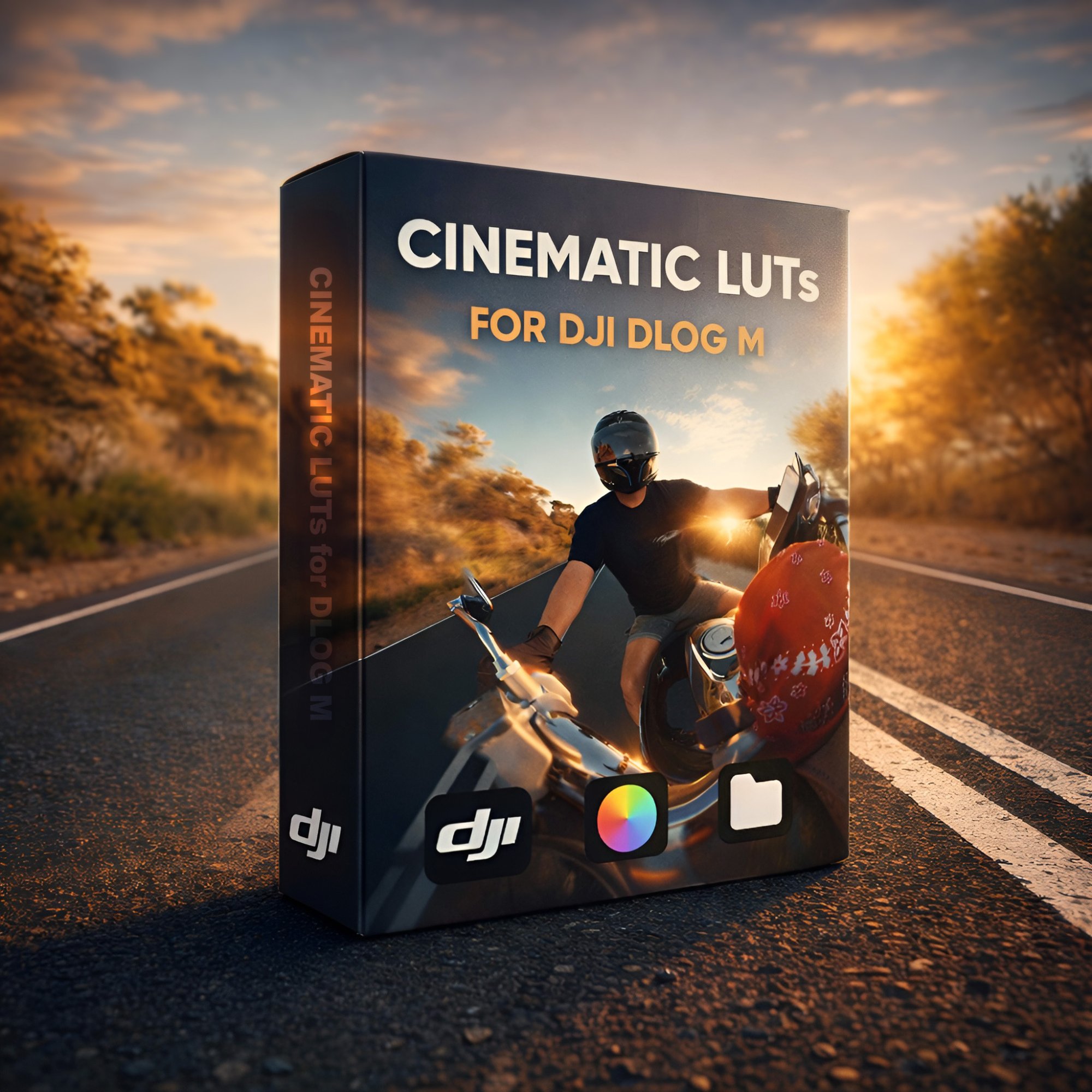
Stop spending hours wrestling with colour grading. Four ready-to-use LUTs — one clean Rec709 conversion and three cinematic creative looks — that turn your flat DJI footage into something worth watching in a single click.

Plain Sunset Dusk Drift
$43.97 $29.97 Limited Offer
Buy Now
Cinematic LUTs for DJI DLOG M
4 LUTs Included

Four looks.
One pack.

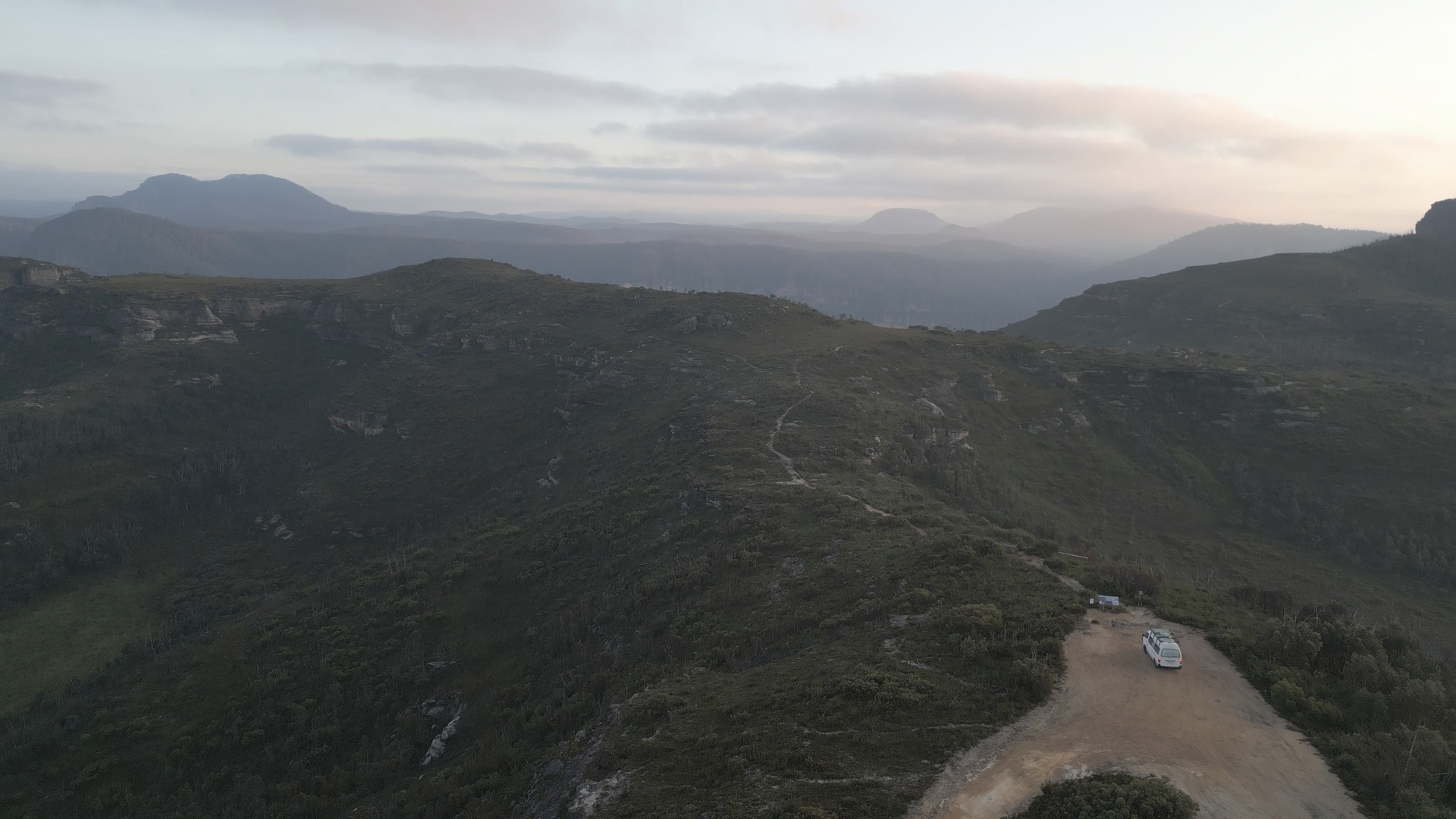
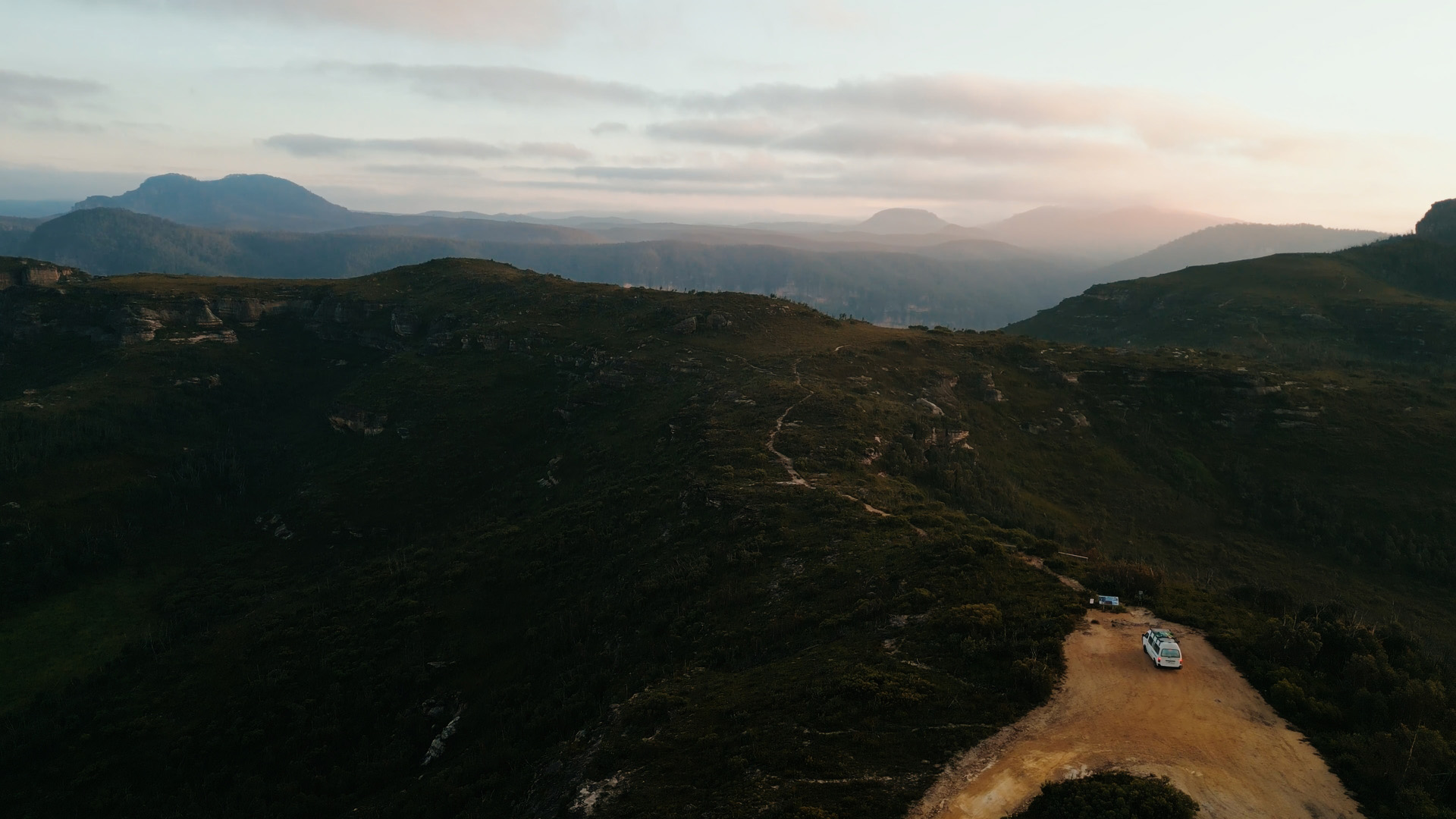
Watch all four LUTs applied to real DJI footage — motorcycle rides, coastal paddles, golden-hour landscapes. No artificial test shots. Just how they actually look.

Plain — Rec709 Sunset Dusk Drift
Get the Pack — $29.97

Drag to compare

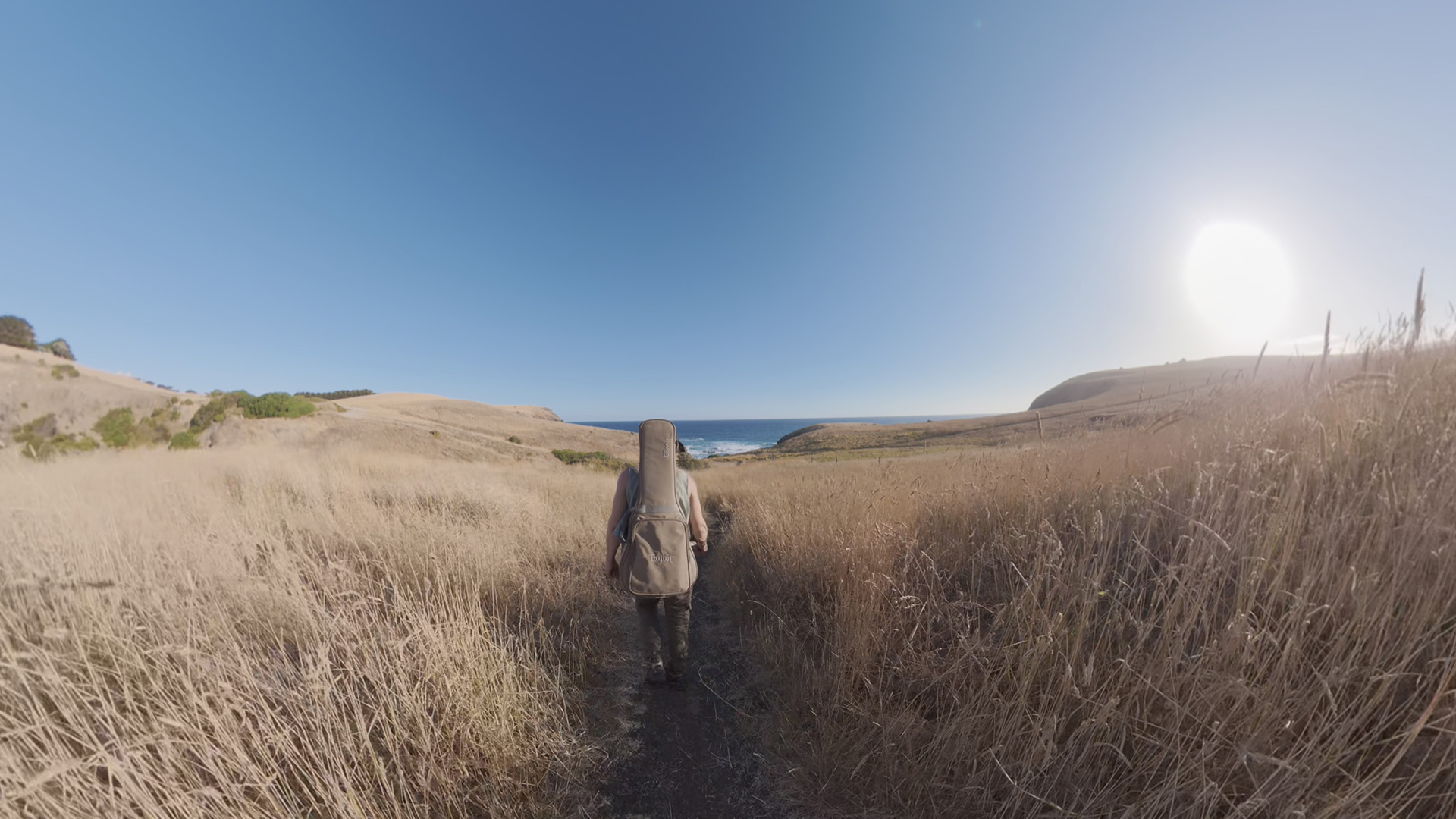
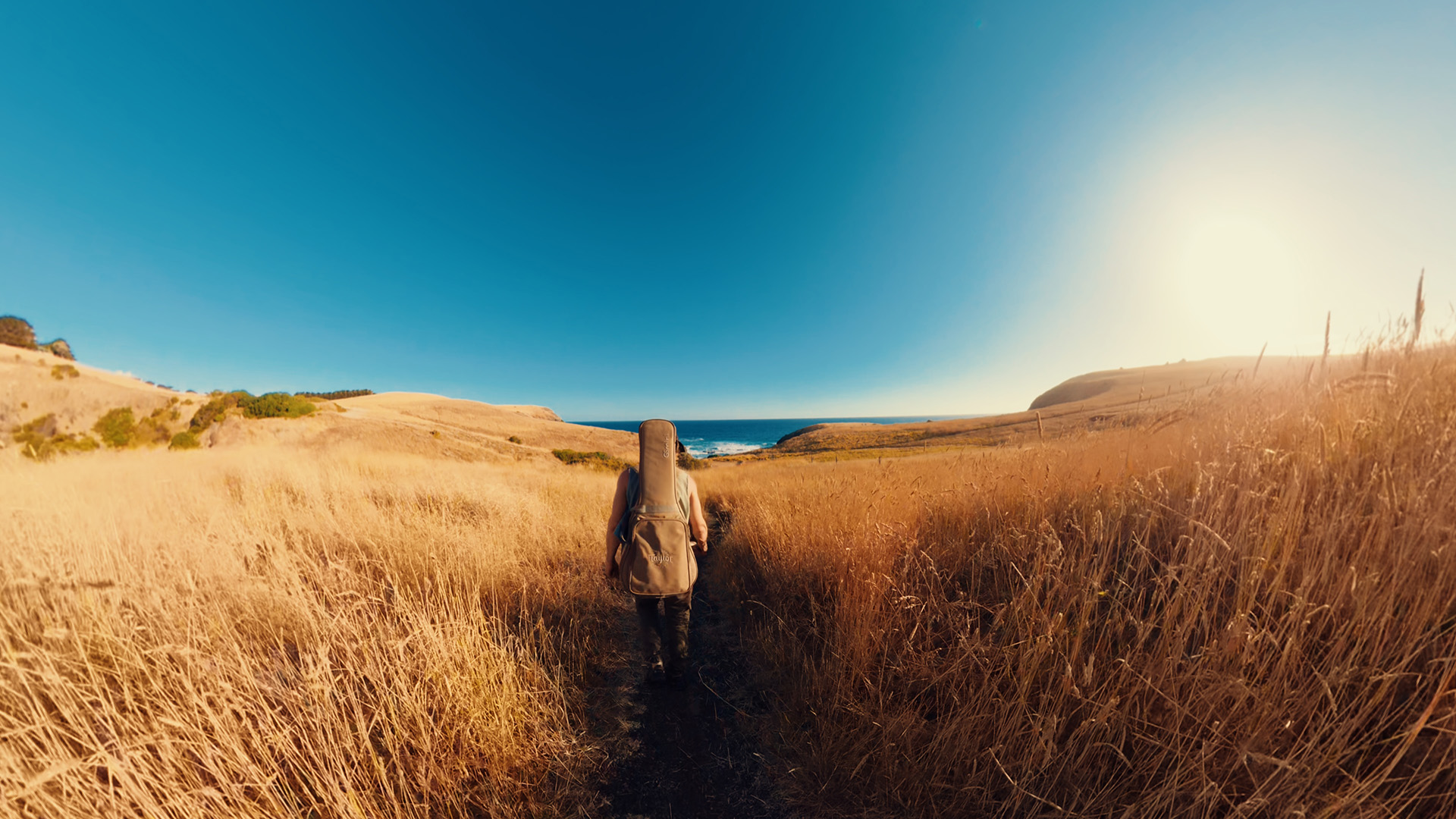
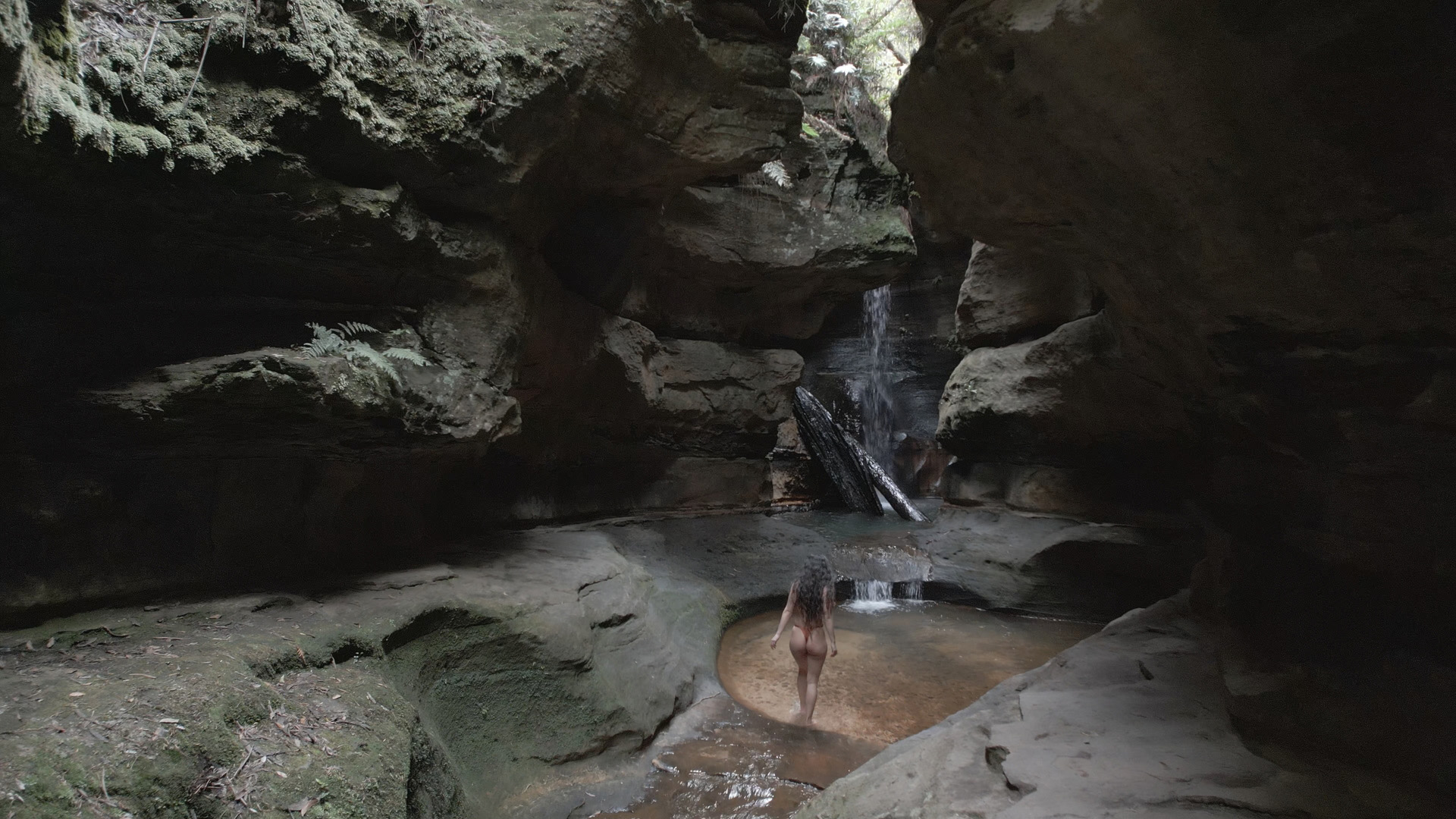
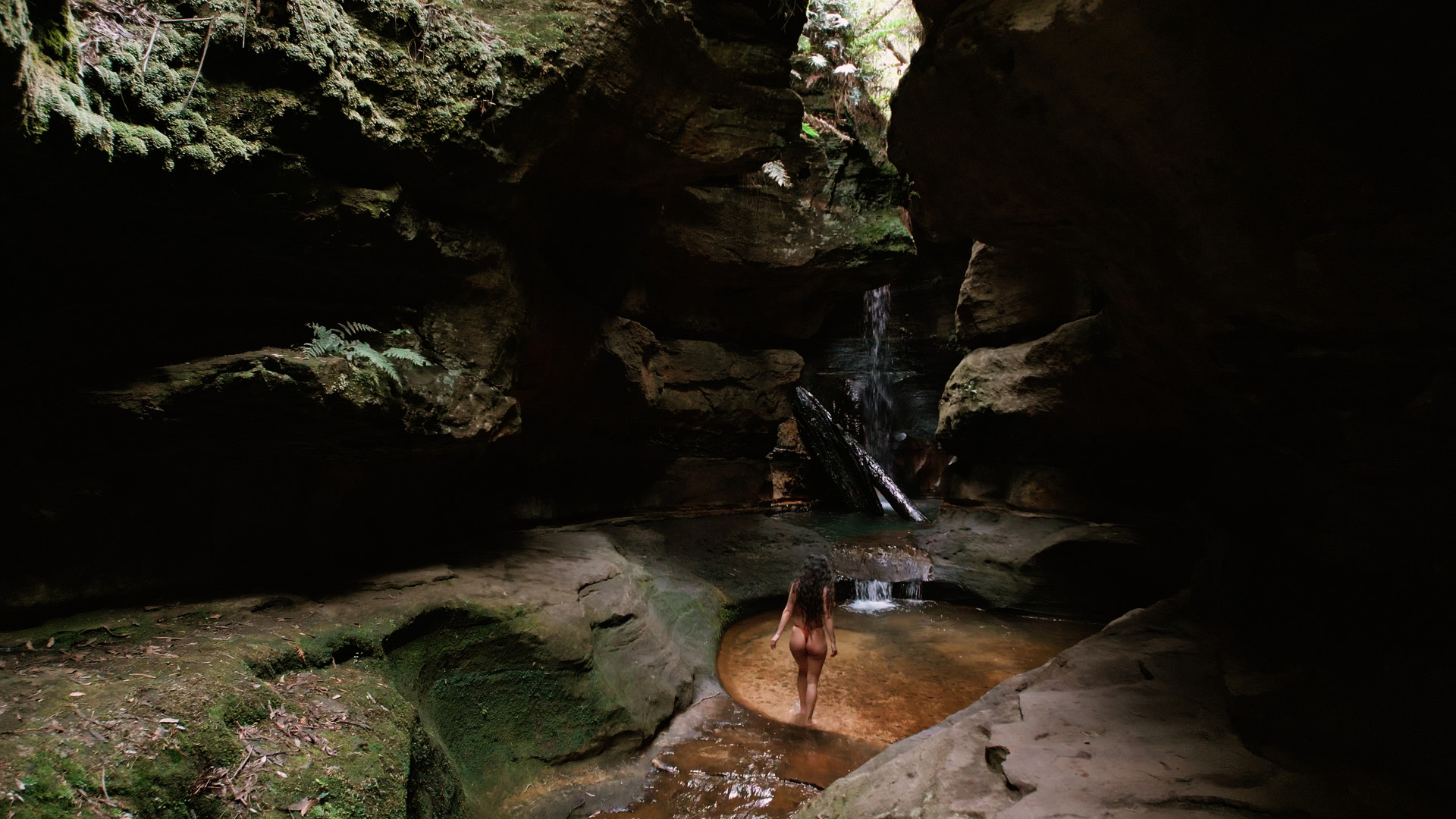
Grab the handle and slide left or right to see the raw DLOG M footage versus each LUT applied. The difference speaks for itself.

Sunset ← Drag →
Before — flat DLOG M After — Sunset LUT
Before After
Dusk ← Drag →
Before — flat DLOG M After — Dusk LUT
Before After
Drift ← Drag →
Before — flat DLOG M After — Drift LUT
Before After

Common questions

Everything you need to know before you buy.

Who is this LUT Pack for?
This LUT pack is designed for anyone who wants beautiful, cinematic colours in seconds without spending hours learning colour correction and colour grading. If you're shooting with a DJI drone or camera in the DLOG M colour profile, these LUTs are made for you. Simply apply the LUT and instantly transform your flat footage into a polished, cinematic look. It's a one-click starting point that saves time while giving your footage a professional colour grade.
What is DLOG M?
DLOG M is a flat colour profile used by many DJI cameras and drones. It captures more dynamic range and detail in highlights and shadows, which gives you more flexibility when colour grading. However, because it looks flat and desaturated straight out of the camera, LUTs are commonly used to convert it into a natural, cinematic look.
What software can I use these LUTs with?
These LUTs work with any software that supports .cube LUT files, including:
  • Adobe Premiere Pro
  • DaVinci Resolve
  • Final Cut Pro
  • Adobe After Effects
  • LumaFusion
  • CapCut
  • Most other professional or mobile editing apps that support LUT imports
What exactly is included in the pack?
You get 4 .cube LUT files: Plain (a clean Rec709 conversion with colour correction — the essential everyday grade), Sunset (warm, golden tones with punchy contrast), Dusk (moody split tones with cool shadows and warm mids), and Drift (a bold, desaturated cinematic look with strong teal and orange separation).
Do these work with all DJI cameras?
Yes — these LUTs are calibrated for DJI's DLOG M colour profile, which is shared across the majority of DJI cameras and drones including the Mini series, Air series, Mavic series, and Osmo lineup. As long as you're shooting in DLOG M, these LUTs will work as intended.
How do I apply a LUT in my editing software?
It varies slightly by app, but the general steps are: import your footage, find the LUT or colour panel in your software, click "Import LUT" or "Browse", and select the .cube file. In DaVinci Resolve, right-click a node and choose "Add LUT". In Premiere Pro, use the Lumetri Color panel under "Creative". In Final Cut Pro, use the Color panel and select Custom LUT. Most apps take under a minute to set up.

Get the pack today.

$43.97 $29.97 Limited Offer

Buy Now — Instant Download